How to get an Encumbrance Certificate online in Karnataka (Kaveri): steps, charges, and how to read it
How to get an encumbrance certificate (EC) online in Karnataka on Kaveri, how to read it for hidden charges, and why every buyer needs one.
PropWatch Editorial8 min read
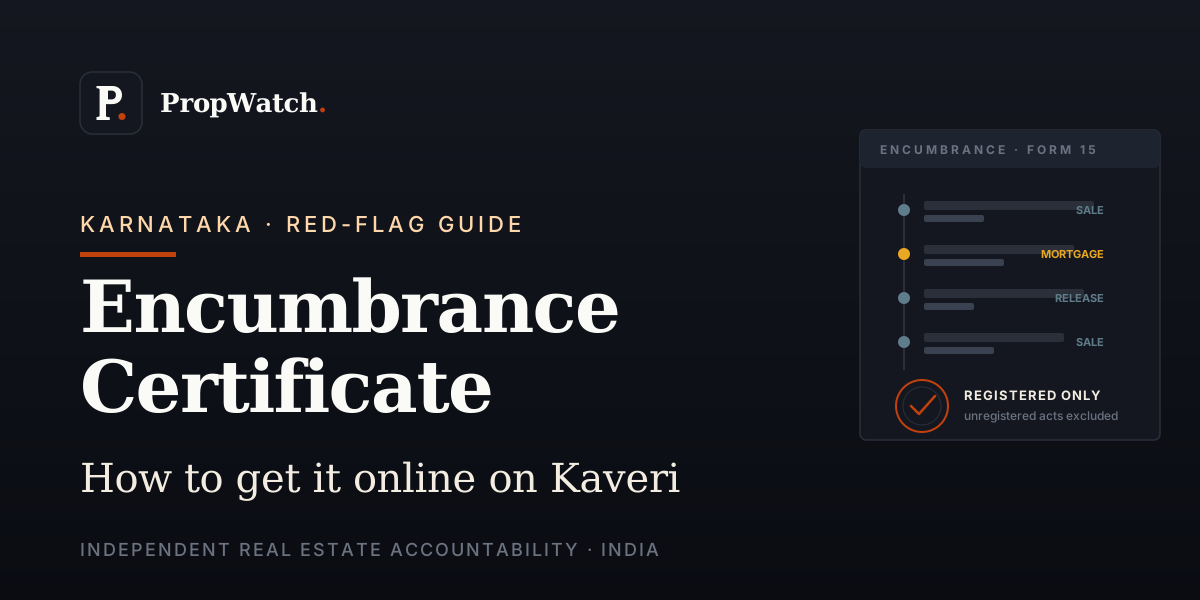
An Encumbrance Certificate is the document that tells you whether a property carries any registered financial or legal burden — a mortgage, a lien, a registered sale you did not know about. In Karnataka you can now pull one online through the state's Kaveri Online Services portal in minutes, without a trip to the sub-registrar's office. This guide covers what an EC actually shows, how to get one online, what it costs, and — just as important — what it will not catch.
What an Encumbrance Certificate shows
An EC is a record, for a stated period, of every transaction on a property that was registered with the sub-registrar — sales, gifts, mortgages, releases, partitions and court attachments that went on the register. If a property was mortgaged to a bank and the loan is still open, that charge appears on the EC. If it was sold twice, both registered sales appear. Reading the EC for the years you care about tells you the registered ownership and lien history of the property.
In Karnataka, ECs are issued by the Department of Stamps and Registration. The online route is the Kaveri Online Services portal (the upgraded 'Kaveri 2.0' system), which serves the entire state including all Bangalore sub-registrar offices.
The term itself trips people up. 'Encumbrance' means a registered claim or burden on the property — a debt, mortgage or charge that travels with the title. In Kannada the certificate is commonly referred to as the Runabhara Pramana Patra (the 'debt-burden certificate'), and that is exactly what it records: whether the property carries any registered financial or legal burden over the period you search.
Form 15 vs Form 16 — read which one you got
An EC is issued in one of two forms, and the difference matters. Form 15 is issued when there are registered encumbrances or transactions on the property during the period searched — it lists them. Form 16, sometimes called a Nil Encumbrance Certificate, is issued when no registered transaction is found for the property in the period searched. A Form 16 is reassuring, but read its limits carefully: it means nothing was registered in that window, not that the property is unconditionally clean.
How to get an EC online through Kaveri
- Register on the Kaveri Online Services portal (kaveri.karnataka.gov.in) with your mobile number and email, and log in.
- Choose the Encumbrance Certificate / 'Online EC' service from the dashboard.
- Enter the property details — district, sub-registrar office, and property identifiers such as survey number, site/plot number, or the document and registration year.
- Set the period you want searched (you can request a multi-year range — searching a longer period is the safer choice before a purchase).
- Pay the fee online and submit the request.
- Download the digitally-signed EC once generated. The digital signature lets a bank or buyer verify it online, which a photocopy cannot offer.
The 2004 cut-off — and why pre-2004 means a counter visit
Karnataka's registration records were digitised from around 2004 onwards. The online EC through Kaveri reliably covers transactions from that point. For the period before digitisation, the online search may not return complete results, and you will need to apply at the jurisdictional sub-registrar office for a manual EC. For a thorough title history — especially on older properties — a buyer typically wants the chain going back well beyond 2004, which means combining the online EC with a manual search.
EC charges in Karnataka
The online EC fee is modest — a small base fee plus a per-year charge for the period searched, payable online through the portal. Because the amount scales with the number of years searched, a 30-year EC costs more than a single-year one, but the total is still a minor sum relative to a property transaction. Fee schedules are revised periodically, so confirm the current per-year rate on the Kaveri portal at the time you apply.
What an EC does NOT cover
This is the part most first-time buyers miss. An EC reflects only documents that were registered with the sub-registrar. It is necessary for due diligence but never sufficient on its own. It will typically not reveal:
- Unregistered transactions — an oral agreement, an unregistered agreement to sell, or possession handed over without registration.
- Property-tax arrears, utility dues, or maintenance dues — these are not registry entries and must be checked separately with the municipal body and association.
- Tax liens and certain statutory charges that may not be registered at the sub-registrar.
- Pending litigation that has not resulted in a registered attachment — a civil suit over title may be live without appearing on the EC.
- The legal validity of the documents themselves — the EC lists that a sale was registered, not whether the seller had good title to sell.
For that reason, the EC sits alongside the other documents in a full verification — the registered sale deed and prior title chain, the khata, the mother deed, approved plan and occupancy certificate, and a RERA check for under-construction projects. See PropWatch's RERA-verification and khata guides linked below for the rest of the checklist.
SourceDepartment of Stamps and Registration, Karnataka — Kaveri Online Services
SourcePropWatch — How to verify a builder's RERA registration before you sign
SourcePropWatch — What is A Khata and B Khata in Bangalore: the foundational difference
SourcePropWatch — Bangalore real estate legal & K-RERA report
More from Red-Flag Guides
Red flags in a property sales pitch: 8 claims to verify before you sign
Guaranteed returns, artificial scarcity, pre-launch without approvals — 8 generic claim types in property sales and exactly what to ask or check for each.
e-Khata in Bangalore (2026): what it is, how to apply, check your status and charges
e-Khata is now mandatory to register property in Bengaluru. How to apply on the GBA e-Aasthi portal, the charges, and how to check your status.
What is A Khata and B Khata in Bangalore? The foundational difference every buyer must know
What A Khata and B Khata mean in Bangalore, the difference that decides loans, permits and resale, and how to check which one a property has.